
Please sign in as a member or guest below to access it.
Please sign in as a member or guest below to access it.

It’s the era of scams, hackers, and data mining. How do you protect yourself?

Your computer knows you well: automated emails that address you by name, ads targeted to your shopping habits, prompts to autofill your address and phone number on e-commerce sites. While much of this personalization is meant to make your life easier, it has a dark side. Without taking proper online safety precautions, you risk exposing sensitive personal and financial information to the wrong people.
Protecting yourself and your loved ones means doing so in the digital world, too, so here are four online safety tips to safeguard your surfing.
Though tempting, using a variation of the same password for all your online logins defeats the purpose of having a password in the first place. If a hacker breaks in and pulls your login details from one site, there’s a good chance they (or someone else) will try plugging that password into other sites — which can cause the numbers to quickly spike against you on the you vs. hacker scoreboard.
A password manager will help you generate strong, diverse passwords across logins in an easily managed system. The right password manager for you depends on personal preference as well as the kind of business you’re doing. This Wired article is a good starting point for finding the right fit.
Scammers come in many forms, so there’s no one way to identify them. The key is to keep your wits about you and trust your instincts. If something seems phishy, it probably is.
Some things to look out for:
Dig into this article written by cybersecurity specialists for a more in-depth look at common online scams and protection measures.
Multifactor identification protects you against hijacking by adding a level of cybersecurity beyond your username and password. This added protection, which usually involves a one-time login code sent to your phone or even a face scan, is offered through many major sites and is an especially good step to add for sites containing your financial information.
Weaknesses in your software can be the perfect in for hackers. The sooner you update your device, the less time you give them to break and enter.
Common software to keep updated include:
Most of today’s software updates automatically, but if you are prompted to install a new version to your device, don’t put it off. If you do, you’re only opening the door for more inconveniences.
Although there’s no way to ensure complete protection online, following these steps is a strong start toward a secure digital presence. For more ways to keep your property and loved ones safe, talk to your local Texas Farm Bureau Insurance Agent today, and learn more about scams that may be circulating in Texas.
Coverage and discounts are subject to qualifications and policy terms and may vary by situation.
Where to Take Shelter During a Natural Disaster
Do you know where to go if there’s a tornado? What about an earthquake?

Literal lifesavers.

Swim safety starts outside the pool.
7 Summer Tips for Driving With Pets in the Car
Ready. Set. Floof.

A Guide to Encountering Texas Wildife
What to do and what not to do.
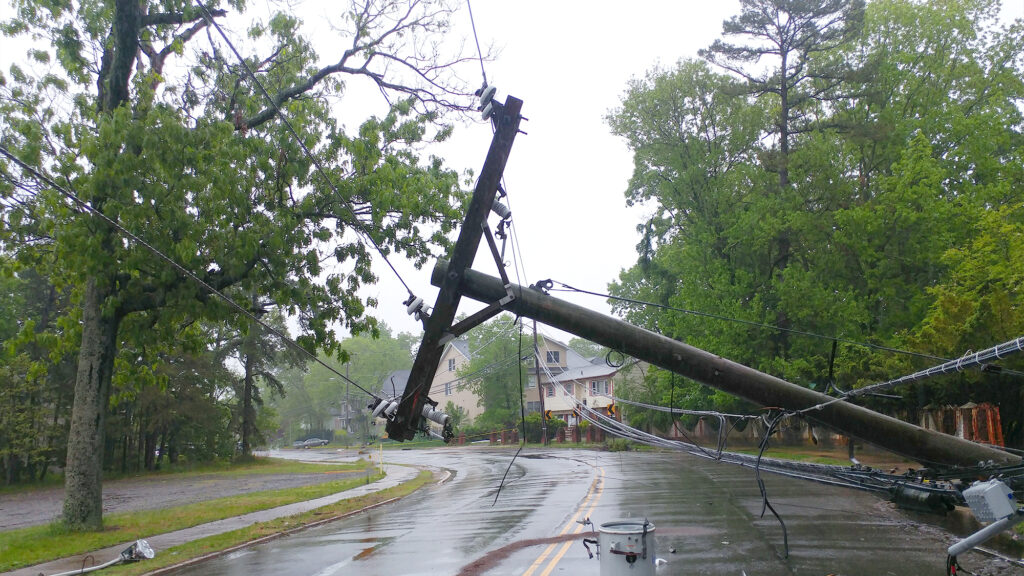
Prepping for Power Outages in Texas
A few proactive measures can help keep your household safer and more comfortable during a blackout.