Please sign in as a member or guest below to access it.
Please sign in as a member or guest below to access it.

Ever wonder if your home is safe while you’re on the road? Now you can know.
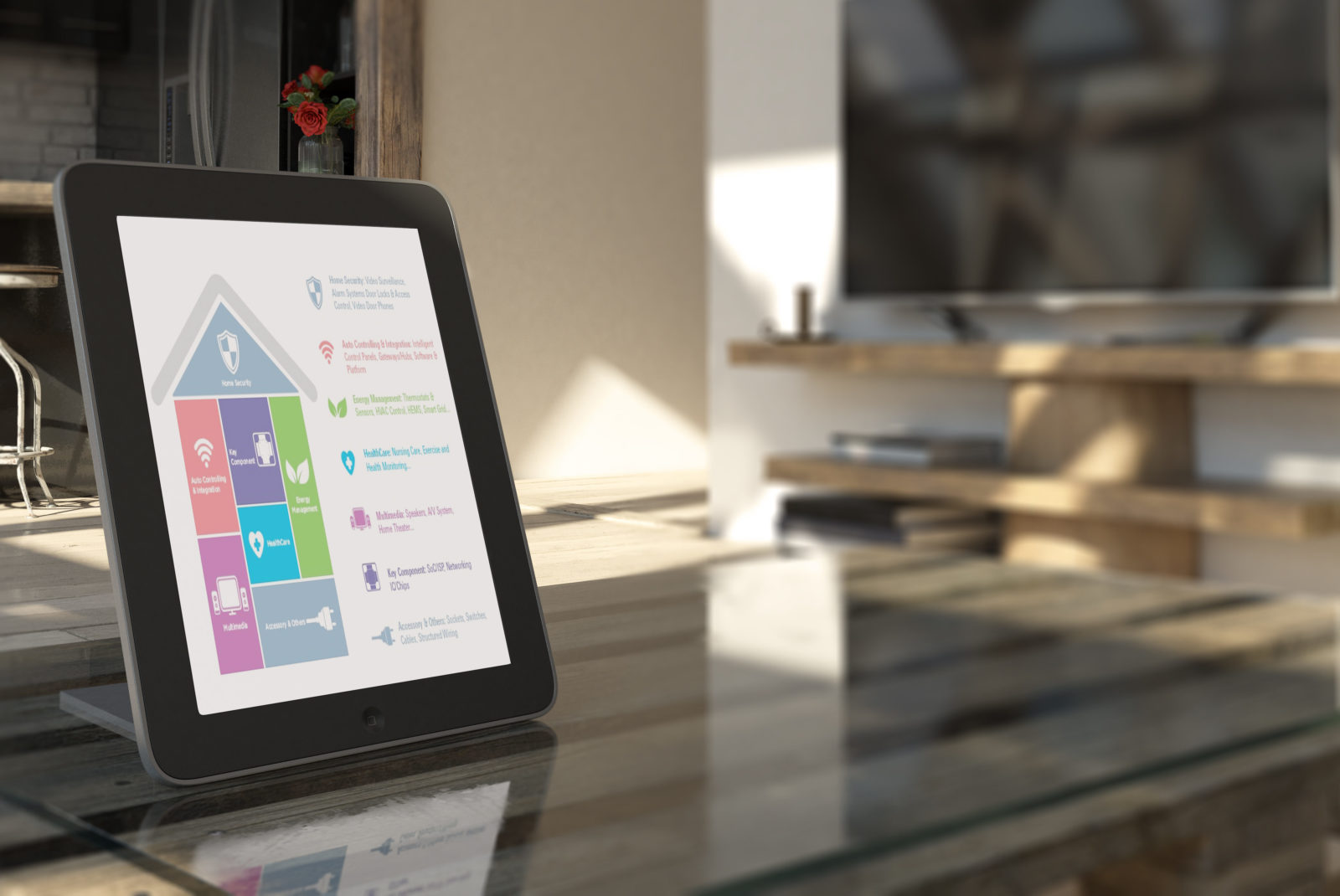
Today’s
homes are decorated with automated technologies that maintain the perfect
temperature, light up at vocal commands, and show who’s arrived before the
doorbell is rung.
With smarter appliances comes a lighter mental load — especially if you have a centralized way to manage your home, whether you’re on the couch or on the road. Having visibility into the workings of your home can reassure you everything is in working order and give you peace of mind. Did you turn down the heating before you left on your winter vacation? Is anyone approaching your house? Now you can control your home’s appliances, energy use, and security from your pocket.
Here
are three types of smart-home apps that communicate with many of your smart
appliances, essentially converting your phone into a universal remote that
controls your home.
Amazon Alexa and Google Home give you control over your
home with the sound of your voice. If you allow them access to your calendar,
music, and smart-appliance apps, they’ll help keep you on schedule, pump up the
jams, and keep the coffee and cool air coming. Simply speak commands to manage
each of your connected appliances and programs.
SmartThings, Yonomi, and other apps connect all of
your smart appliances through a smart-home hub that acts as a translator
between the appliances and your phone. Once paired to your home devices via Wi-Fi
or Bluetooth, the smart-hub app can manage your smart appliances.
Olisto connects smart-thermostat,
smart-lighting, and home voice-control apps to run your home based on a set of
if/then statements that you create. For example, you may program the app to
respond to the statement, “If I am at home, set the thermostat to 70 degrees.”
Olisto will use your phone’s location to determine when you arrive home and
trigger your smart-thermostat app to lower its temperature setting or turn the
heat up to meet it. You can even remote-control your home while you’re away.
Whichever smart-home apps and options you choose, talk to your Texas Farm Bureau Insurance Agent each time you upgrade your in-home technology. They can tell you if you need to adjust your property insurance coverage.
“You need to call your Agent to make sure that the contents coverage on your property insurance policy is adequate for the increased amount of those appliances,” says Kristin James, a Texas Farm Bureau Insurance Agent in Plano. “That way, if any of your new appliances are damaged from a covered peril, they will be properly covered.”
Learn more about keeping your home safe here.
Coverage and discounts are subject to qualifications
and policy terms and may vary by situation.
And when to change them.

Nine tips for staying alert while walking.

What Texas parents should know before handing over the handlebars.

Roundup: Complete Guide to Staying Healthy in Texas
Health is wealth.
Gear Up for a Safe Grilling Season
Avoid property damage and injuries during football season with this grill safety advice.
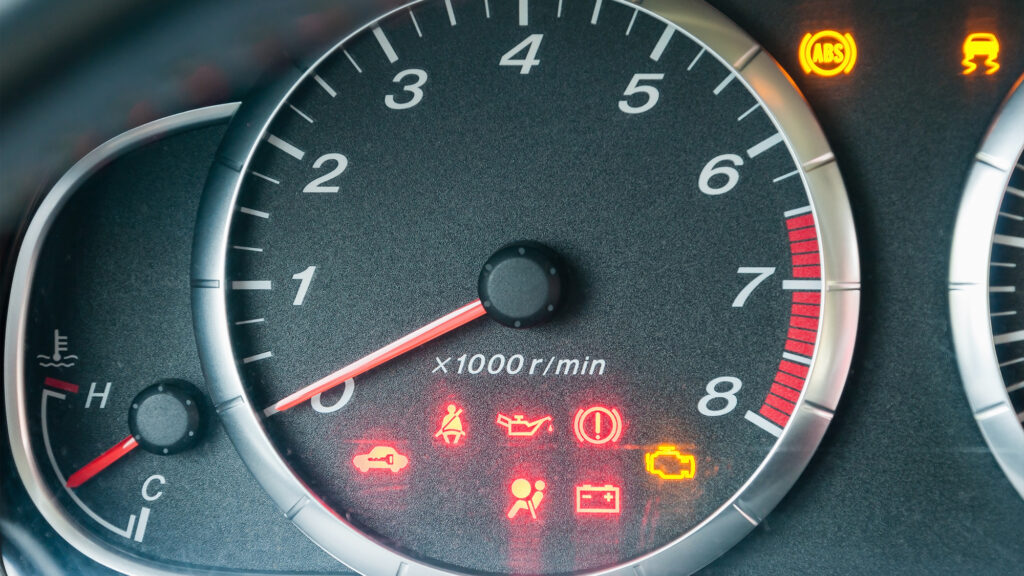
11 Important Car Lights and What They Mean
Is it safe to drive with that light on?